
Product

Retail Display Printing & POSM

Create counter, shelf and floor displays around the store environment, viewing distance, campaign duration and rollout requirement.
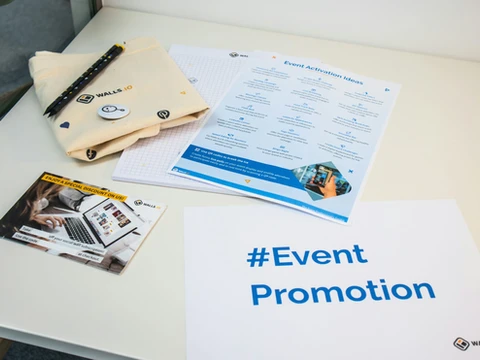
Real printed marketing and event materials
Use cases

Where this requirement fits.

Retail displays need to work in the actual store—not only look good in artwork.

Counter displays

Compact product, offer and launch communication at checkout or service counters.

Shelf communication

Shelf strips, wobblers, talkers and other product-zone POSM.

Floor & freestanding displays

Larger campaign or product visibility where space and stability matter.

Multi-store campaigns

Versioned displays packed and allocated by store or region.

Before production

Choose the right details.

These inputs affect material, artwork, production route, packing, cost and repeatability.

Store environmentConfirm indoor location, available space and viewing distance.
Material & durabilityMatch the substrate to campaign duration and handling.
Campaign versionsControl artwork by offer, region, language or store format.
Quantity by locationBuild a location matrix before packing.
Packing & rolloutProtect displays and kit them for practical store receiving.
Avoid

Common mistakes.

Using one format for every store
Ignoring final display dimensions during artwork approval
Packing fragile display components without rollout logic
Changing campaign versions without clear control
Execution

Plan the whole physical journey.

For multi-store programs, production is only one part of the job. Version control, location allocation, kitting and dispatch should be planned before print.

Start with the real requirement

Planning retail displays or POSM?

Share store type, display format, campaign duration, location count, artwork versions and expected quantities.