 ®
Shop and payment counters
Use a supplied merchant-approved payment QR on a standee, sticker or counter display. Payment activation and bank/acquirer setup are separate from printing.
Shop par QR stand chahiye, visiting card pe QR print karna hai, ya product box ko digital information se connect karna hai? Start with the customer action, the approved QR destination and the real printing surface.
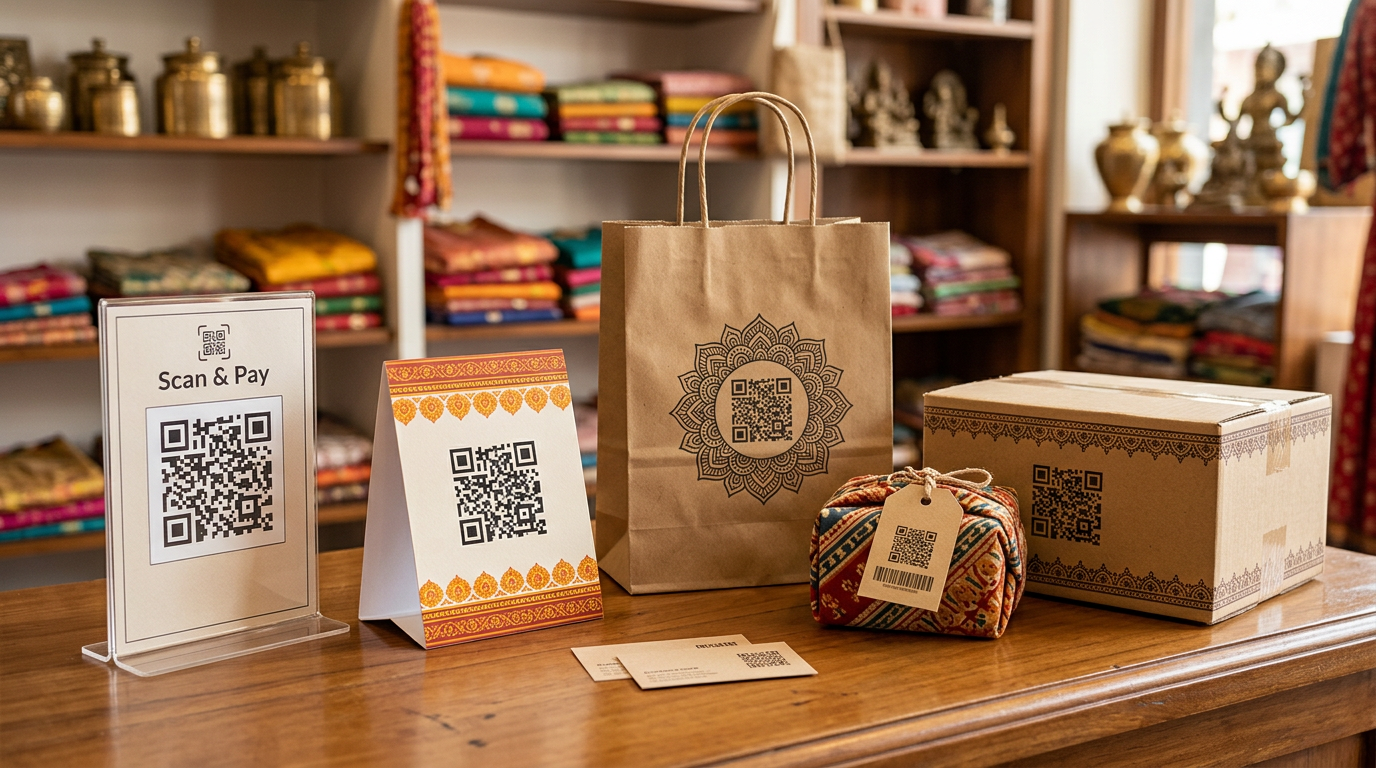
QR code ka design sirf sundar nahi, scan bhi hona chahiye. A phone screen may display a code clearly even when the printed version becomes too small, reflective or distorted. Plan the action, material and scan conditions before ordering.
Use a supplied merchant-approved payment QR on a standee, sticker or counter display. Payment activation and bank/acquirer setup are separate from printing.
Connect contacts to a verified website, portfolio, digital card or brochure. Keep a readable URL or contact fallback.
Link to instructions, product information, support or a campaign page from a printed package; test the code on the final surface.
Use valid, customer-owned Google review, Instagram, WhatsApp or feedback links without promising traffic or reviews.
Send the approved code, size, surface, quantity, destination use and delivery requirements. Print and technical feasibility are confirmed with the quote.
Discuss the material, print area and expected scan distance. Feasibility depends on the selected product and printing method.
No. Valid merchant QR issuance, bank/acquirer mapping and payments are outside a basic print order.
A QR that contains a fixed URL cannot change on the paper. A separately managed redirect URL may allow destination updates if configured and maintained by its owner.
Codes and identifiers must be supplied or approved by the relevant authorised business/provider. Printing does not by itself create or verify payment accounts, issue GS1 identifiers or guarantee online results.